Hosting accounts and a ProFreeHost profile can be deleted directly from the Client Area.
Step 1: Close all hosting accounts
All hosting accounts must be closed before a profile can be deleted. Back up all website files and databases from the Control Panel first.
Click Manage next to the hosting account.

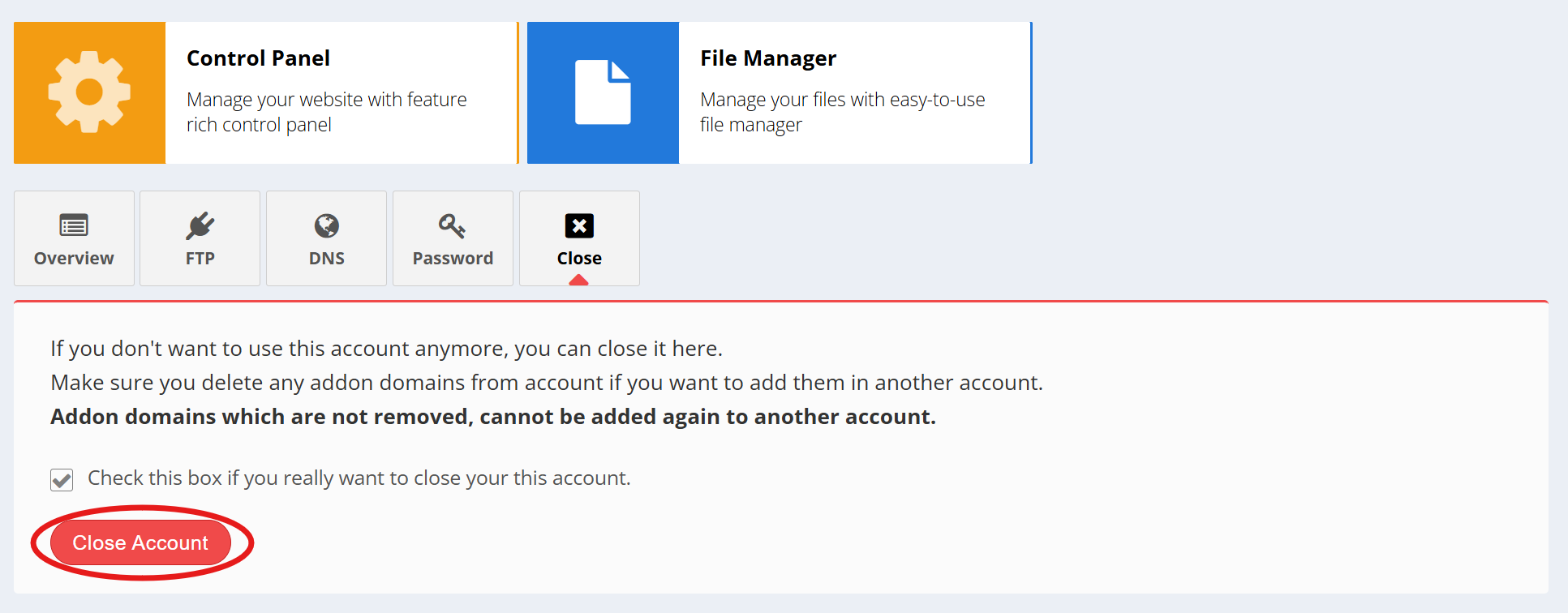
Open the Close tab, tick the confirmation box, and click Close Account. Repeat for any other hosting accounts.
Note: Remove any addon domains that will be used on another account before closing. Addon domains that are not removed cannot be added to another account.
Step 2: Delete the profile
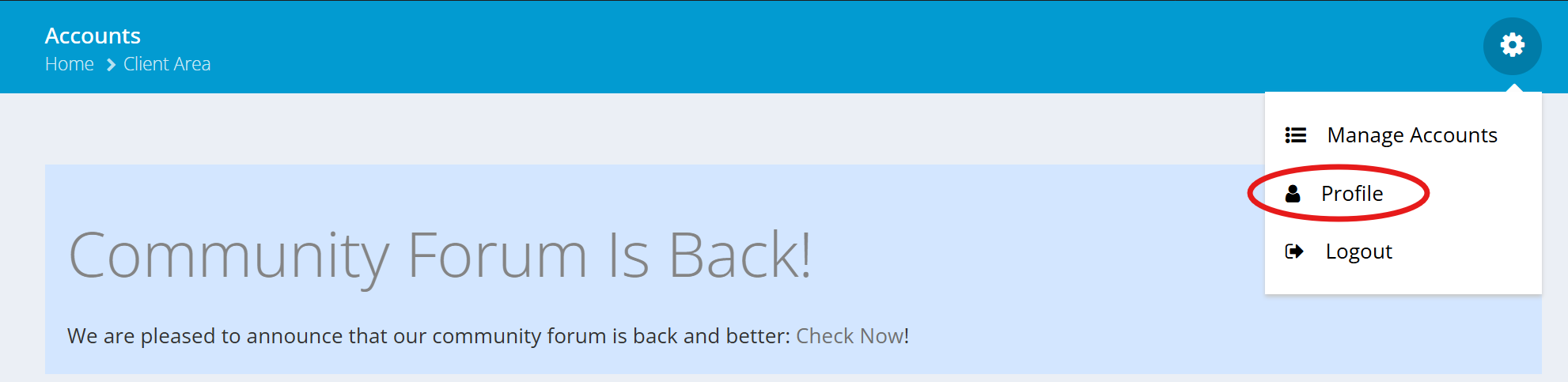
Click the gear icon at the top right and select Profile.
Open the Delete tab, tick the confirmation box, enter the password, and click Delete Account.
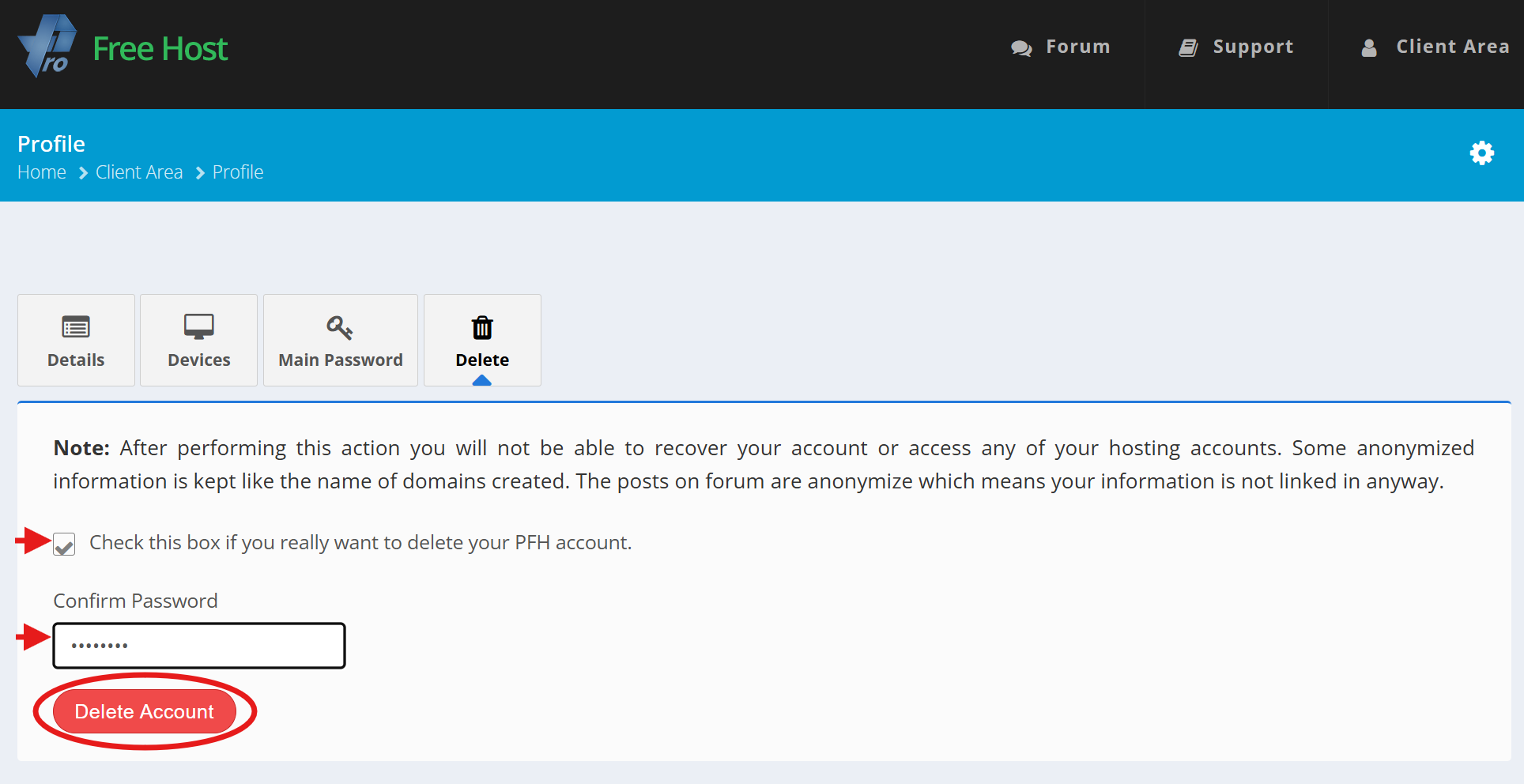
Warning: This action cannot be undone. It also deletes the ProFreeHost Forum account and removes access to all hosting accounts.
For any issues during this process, please post on the forum.