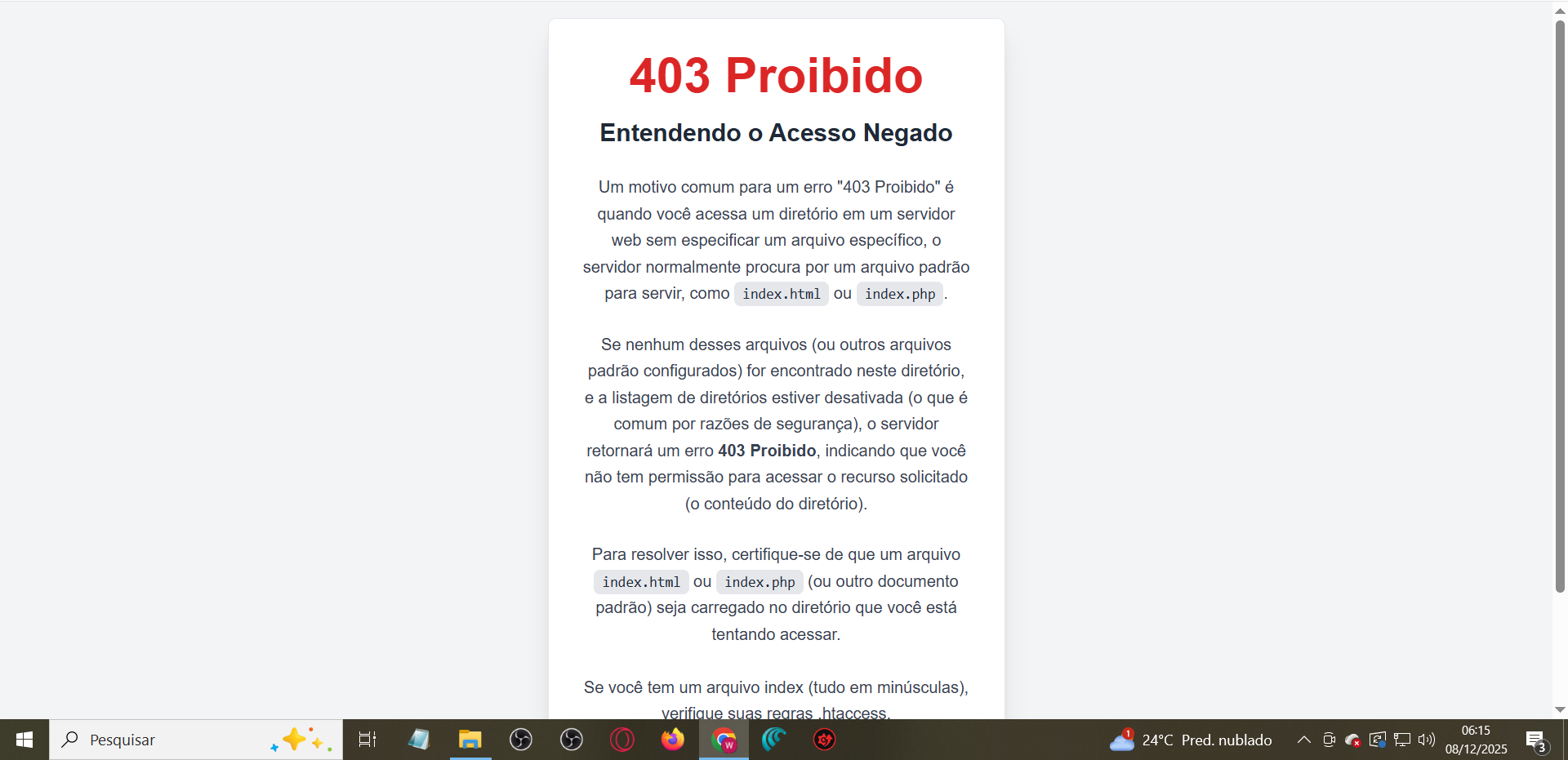
Files Not showing in File Manager

Não estou conseguindo fazer upload de nada no gerenciador, aperto pra fazer o upload, carrega e não aparece nada, não aparece o que eu acabei de enviar.

I’m having trouble uploading anything to the upload manager. I click to upload, it loads, but nothing appears; what I just sent doesn’t show up.

Só fica assim, faço o upload, carrego o arquivo e só fica assim.

Veja no vídeo abaixo: Erro no gerenciador

After creating new hosting account, login to Control Panel once to activate all the features.

This is English community. Next time, please communicate in English

I did all that, and nothing appears in the file manager on the panel, look at the image above.

Identifying the issue. Topic will be updated when there is more information available regarding this issue.

What else do you need? There’s a link showing it in a video and there’s an image, and I’ve already typed what’s happening. Nothing is showing up in the manager; I upload the index.html and nothing appears.
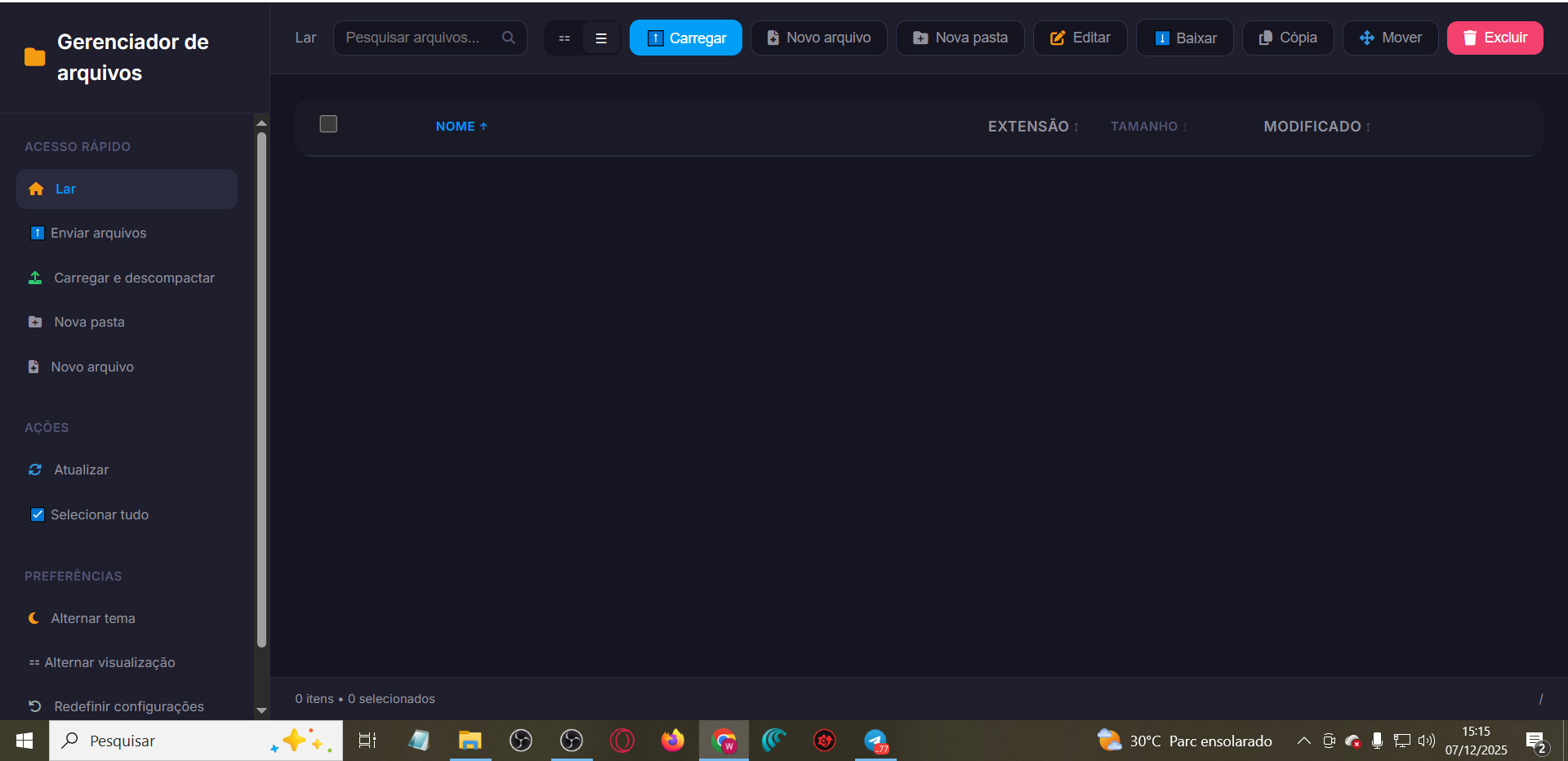
htdocs was missing from your account. Make sure that you upload your website inside this directory. The issue is fixed.

I put my website in the htdocs folder, but when I go to the URL, nothing appears. See the image.

I uploaded the entire folder from my website and the error shown in the image is appearing.

It appears that your website is built using typescript which is not based on PHP.

It’s because you uploaded it to the sub-directory inside htdocs which is main directory of your account.
Your directory url is: https://botblazeassertivo.unaux.com/blazepredict-celestial

This topic was automatically closed 30 days after the last reply. New replies are no longer allowed.