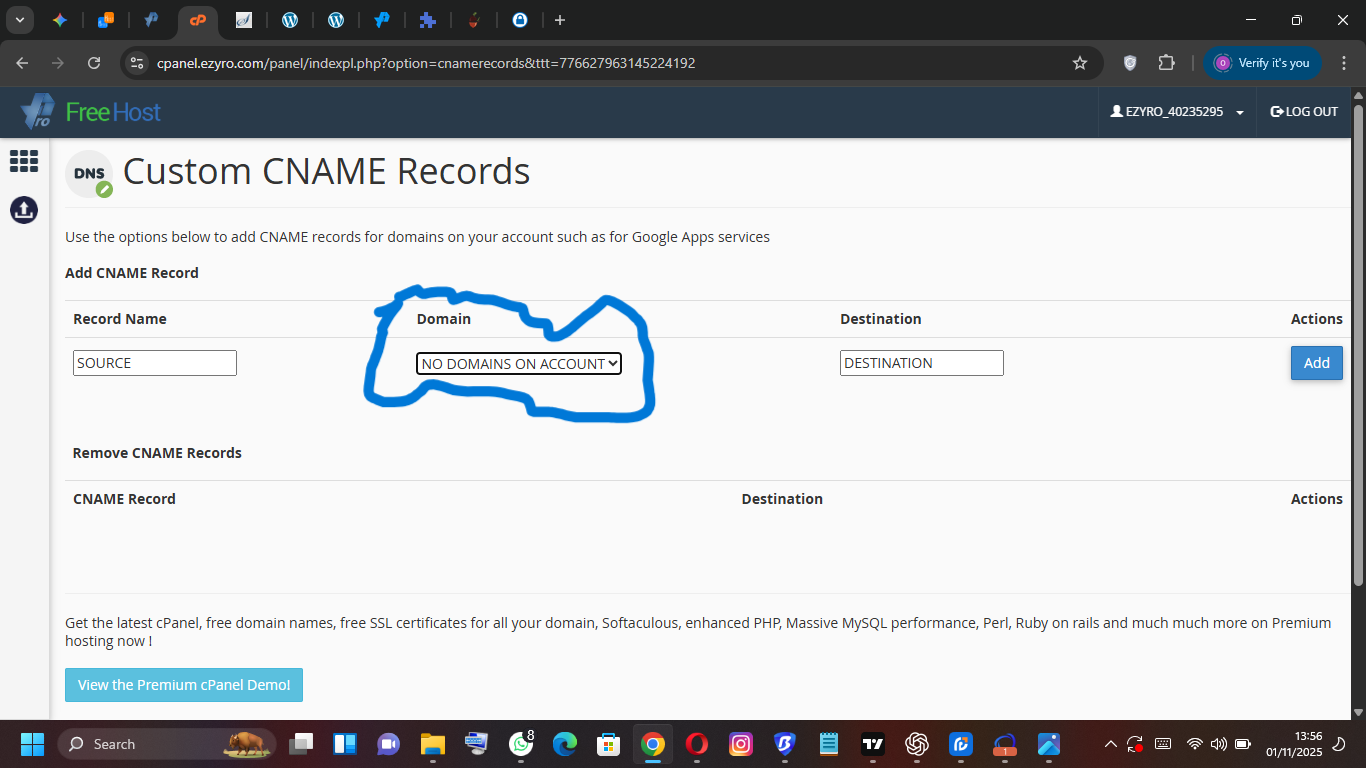
I am trying to add my custom domain, sierrarestaurant.com.ng, as an Addon Domain to my hosting account, but I receive the error: “sierrarestaurant.com.ng is already assigned and in use.”
I have checked the Addon Domains, Sub Domains, and Aliases sections, and the domain is not listed in any of them.
Could you please check the server configuration and manually delete any stuck or orphaned entry for sierrarestaurant.com.ng?
I’ve mentioned above that this domain is registered as main domain of " ezyro_40303649" account. This is another hosting account in your control panel.
Subject:Follow-up: Site sierra.unaux.com Not Working
Body:
Hello Admin,
Thank you for your previous reply! I am following up on the domain issue and need clarification on my site access and SSL installation.
1. Domain and Site Access (Priority)
You previously informed me that sierrarestaurant.com.ng is the primary domain for a different account (ezyro_40303649).
Action Needed:
Question (Site Access): I currently cannot access my sitesierra.unaux.com, which shows a broken/missing page [Attach Screenshot (60).png]. Is the entire account (EZYRO_40235295) currently suspended or offline, and is this related to the domain being incorrectly linked elsewhere?
2. SSL Installation: Missing Fields
I am trying to install a custom SSL Certificate (Private Key and Certificate) but my Control Panel looks different from tutorials.
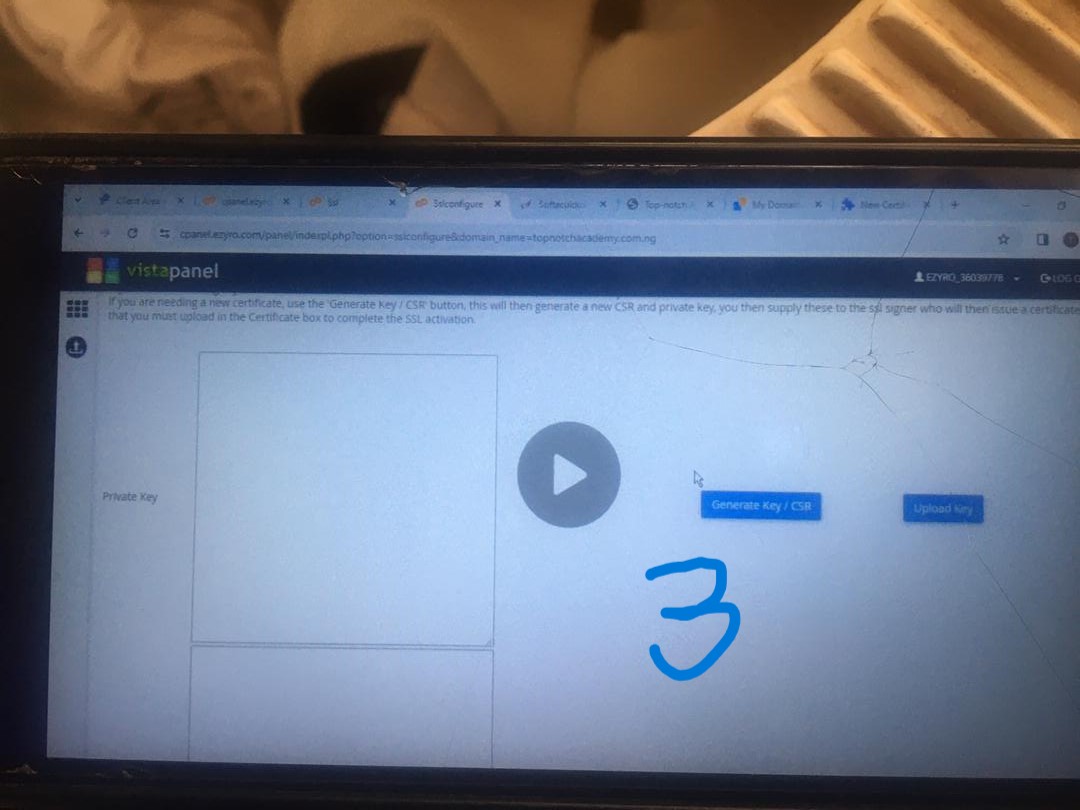
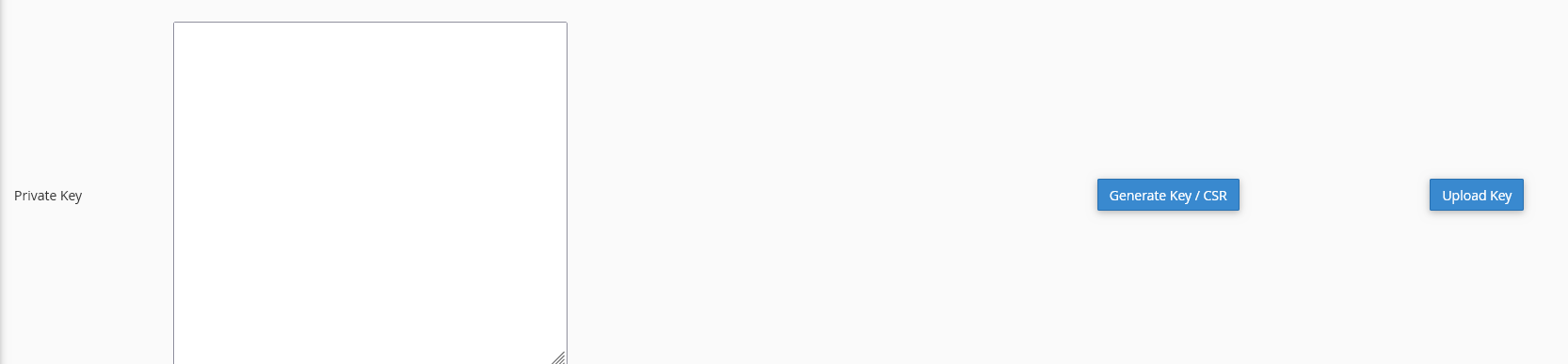
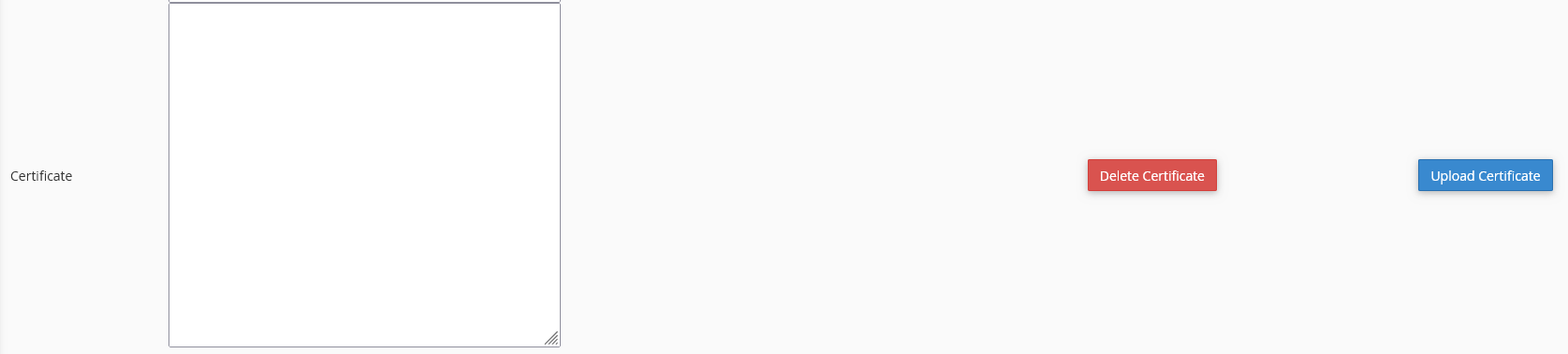
Tutorial View (Expected): Tutorials show separate fields for the Private Key and the Certificate [Attach WhatsApp Image 2025-11-03 at 03.04.48.jpeg & WhatsApp Image 2025-11-03 at 03.06.08.jpeg].
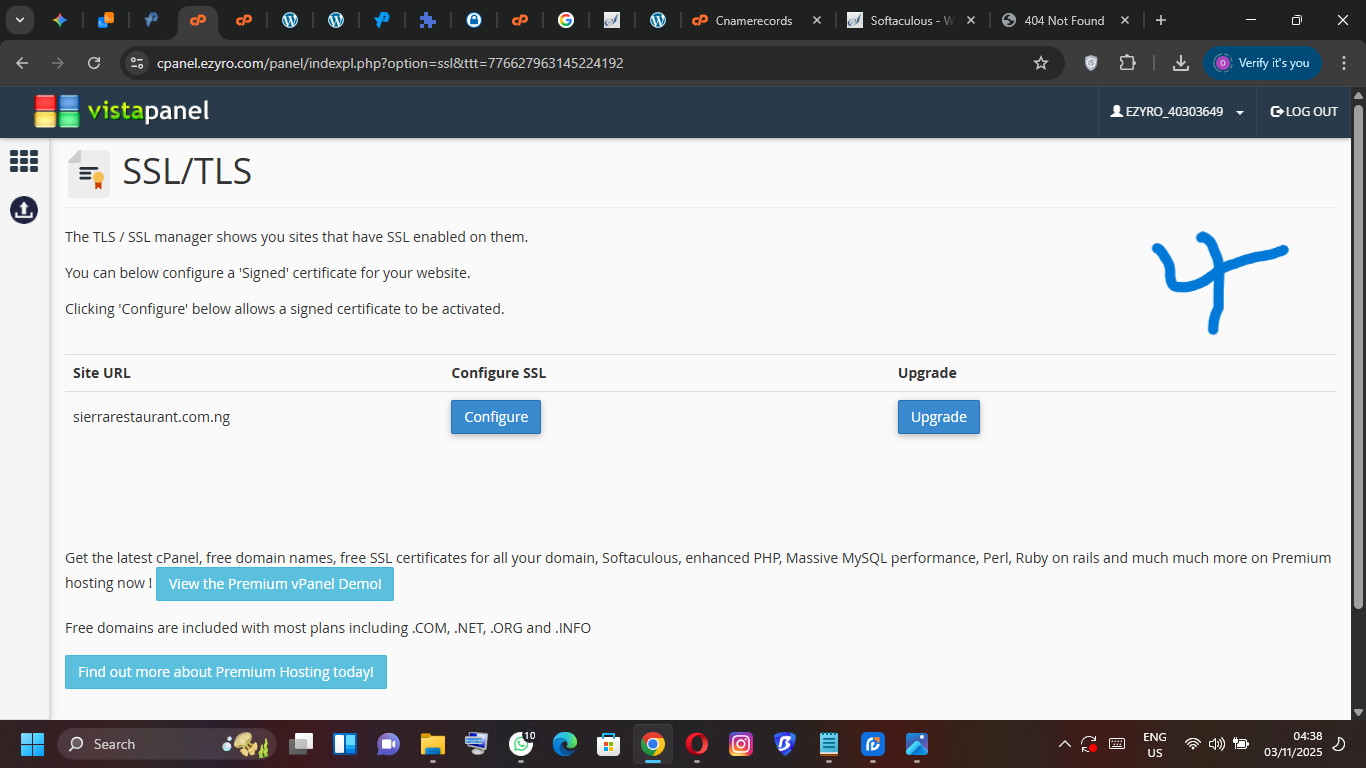
My CPanel View (Actual): When I click on SSL/TLS > Configure, I don’t see a single “Certificate” field, and no separate field for the Private Key or CSR [Attach Screenshot (58).png].
Question: How can I install my Private Key and Certificate/CSR on my domain using the interface shown in my screenshot? How and where
For some reason, your domain “sierra.unaux.com” is missing from account structure. It needs to be fixed or re-created. I will inform you after checking.
It is not suspended. It will be re-created.
I don’t understand what do you mean. But, you should see 3 separate fields. And if you are migrating your SSL or have already issued your SSL for the domain, you need to upload Private key in “Private Key” field Certificate in “Certificate” field separately.
Subject: (Keep the existing subject or start a new reply: Urgent: SSL Configuration Fields Missing)
Body:
Hello Admin,
Thank you for your response. My most immediate technical issue is with the SSL/TLS configuration page in my CPanel.
When I go to SSL/TLS and click Configure for my domain (sierrarestaurant.com.ng or sierra.unaux.com), I am taken to a page that only shows one single input field for the Certificate.
I do not see the separate fields required for the Private Key and the Certificate Signing Request (CSR).
My Question: Could you please advise on how to install my generated Private Key and CSR when my CPanel page only provides a single field for the Certificate?
Thank you for your help in clarifying this specific step.
I have completed all the recommended steps, but the SSL certificate for sierrarestaurant.com.ng is still not working.
I re-keyed the certificate with ZeroSSL and successfully installed the matching Private Key, Certificate, and CA Bundle in the VistaPanel SSL/TLS manager.
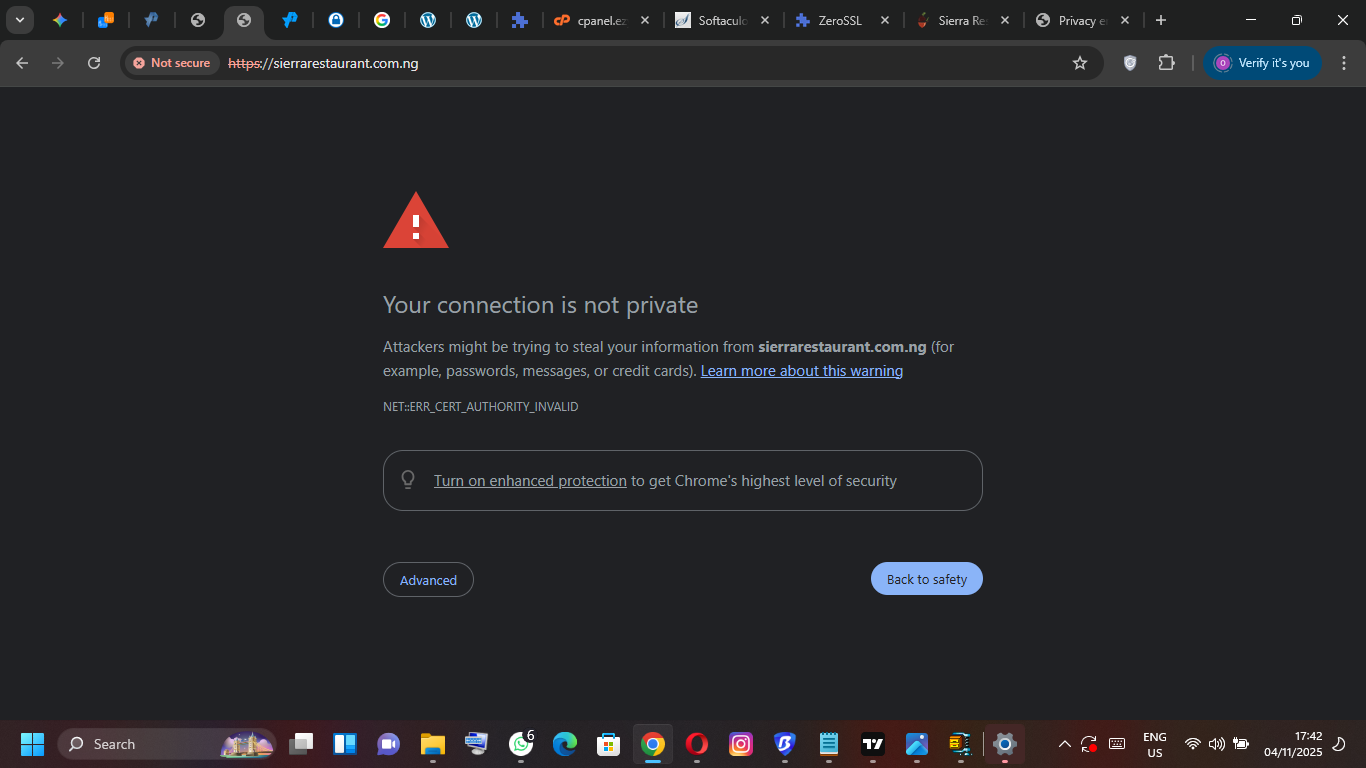
My browser still shows the error NET::ERR_CERT_AUTHORITY_INVALID (“Your connection is not private”).
The Softaculous Apps Installer now confirms the issue, stating: “A trusted SSL Certificate was not found”.
Action Required:
This indicates that the CA Bundle (intermediate chain) is not being served correctly by the server. Could you please check the backend configuration for sierrarestaurant.com.ng to manually confirm and chain the intermediate certificates?
The certificate has been installed through the control panel, but the server is failing to link it properly.
Thank you for your immediate attention to this final step.